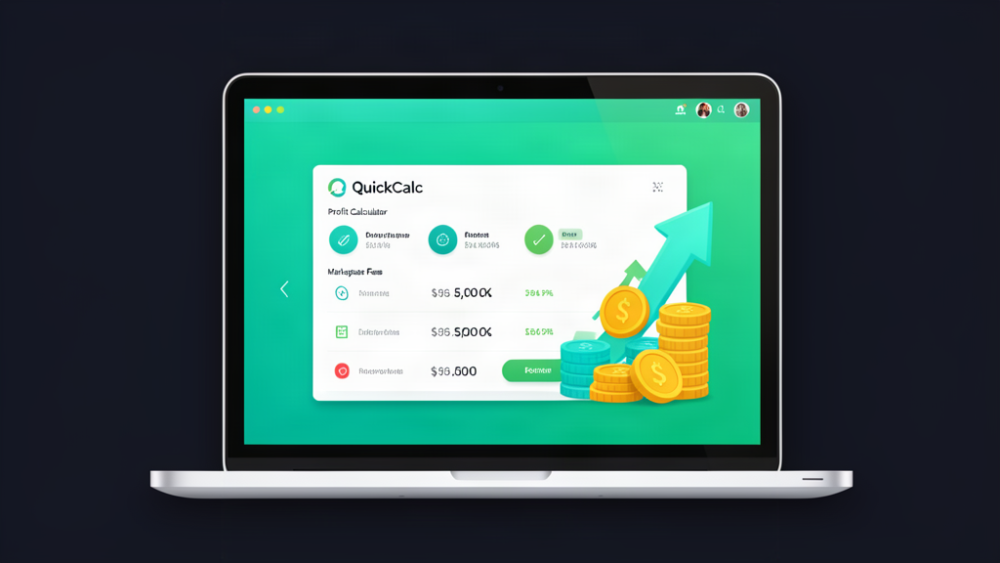
4 Mini Calculators
Find the Break Even Price
Find out how much Discount you can afford
Add/Remove VAT etc.
Check that you are making a profit when you sell on any marketplace. Don't guess!
Millions of people buy and sell in marketplaces every day. Marketplaces make Billions of Pounds profit every year and they protect those profits by adding in new fees, often charging VAT on top of Fees which are based on the full VAT price already.
Millions of businesses selling in Marketplaces do not make any money because of the compound fee structures they charge. Make sure you are not one of the businesses (big or small) that is selling at a loss without knowing it.
This comprehensive calculator looks complicated at first glance, but that is only because we have all the fees from all the Marketplaces. Each marketplace comes with it own settings. Save the defaults for each, change for every calculation. Want to add the Charity Fee in eBay for a product, just add in the percentage and the calculator will tell you how much it is going to cost and remove it so you know how much profit you still make.
Mini Calculators help you to quickly work out pricing challenges. Want to know if Free shipping is viable? Want to know if a Promo will be still profitable, and how much discount you can afford? We have mini calculator in the program to do just that.
Help support the software development by taking out a support contntract (optional). The software itself is a one-time purchase but you can enoy support for ou and help devlop the software too with three options. Receive 30 minutes training via video and we will walk you through the ins and outs of the software. Ask any questions about it. You can also take a longer term contract, monthly or annual payment and receive help all ear round.
This is version 3.0 and the initial price includes all future updates to 3.0. and communit support in the forum.
In your account, click the Download button on your Linux machine. Find the downloaded file, Usually in the
~/Downloads folder
Press ALT + Return or Right click it and select properties.
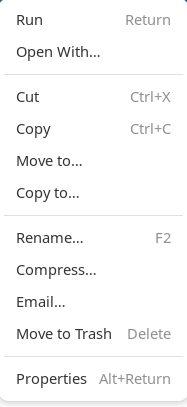
Tick the box to make it Executable
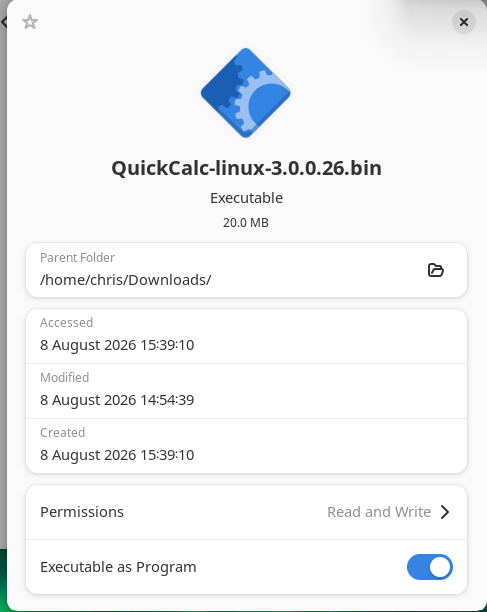
Now close the box and double click (or press Return) and it will start up.
You may now use it for up to 30 days, before you must enter the Activation Key provided in the control panel. Once activated or 30 days since key purchase have passed, you may not return the key. The licence is tied to this copy on this computer. If you want another copy for Windows or MAC you must purchase another key for that platform.
Apply the Code in the email to the software when asked.
Version 3.0 is the latest version, actually the first version available on Linux.
What's new:
New mini calculators
Improved performance of the calculator
Additional settings for the calculator including:
- Margin Percentage Available
- Break Even Point
all our versions stay in sync with each other, so will you have the same features, no matter which OS you are running.
 Copyright © 2026 All Rights Reserved

 Worldwide (English)
 Romania (Română)